
Claude Code ultraplan is cloud planning that actually thinks for 30 minutes
Anthropic added ultraplan to Claude Code, offloading plan generation to Opus 4.6 in the cloud with up to 30 minutes of deep reasoning. It is brilliant for complex refactors but fails outside git repos. Here is how it works and when local plan mode is the better choice.
The short version
Ultraplan sends your planning prompt to Anthropic's cloud where Opus 4.6 thinks for up to 30 minutes, then hands you a plan in a proper browser UI with inline comments and emoji reactions. Your terminal stays free the whole time. It is not a replacement for local plan mode. It is the heavy artillery you bring out when the local mode is not enough.
- Local plan mode runs instantly on your machine. Ultraplan offloads to the cloud with a 30-minute thinking window.
- Ultraplan requires a git repo. It failed on a non-git directory during testing, which is a known constraint.
- Bug #43576 means the model sometimes ignores plan mode constraints after you approve an ultraplan. Watch for it.
Claude Code’s /ultraplan command sends your planning request to Anthropic’s Cloud Container Runtime, where Opus 4.6 gets up to 30 minutes of dedicated deep reasoning time. It’s basically the difference between asking someone to sketch a plan on a napkin versus giving them a quiet office, a whiteboard, and half an hour to think properly.
That’s the observation. The analysis is more interesting.
What ultraplan actually does differently
Local plan mode in Claude Code is sort of the fast-food version of planning. You type /plan or hit Shift+Tab twice to cycle through permission modes, Claude switches to read-only mode, reads your codebase, and writes a markdown plan file. Quick. Useful. Limited.
Ultraplan is a different beast entirely. When you type /ultraplan migrate the auth service from sessions to JWTs, your prompt gets shipped to Anthropic’s cloud infrastructure. Opus 4.6 spins up in the Cloud Container Runtime, clones your repo, and starts thinking. Not the 30-second skim that local mode does. A proper 30-minute deep analysis where the model resolves dependencies, maps file relationships, and produces architecture diagrams.
Your terminal gets its life back while this happens. Three status indicators tell you what’s going on:
 ultraplan           -- Claude is researching your codebase and drafting
 ultraplan needs your input -- Claude has a clarifying question
 ultraplan ready      -- Plan is ready to review in browser
The browser review UI is where ultraplan earns its keep. You get inline comments (highlight a passage, leave feedback), emoji reactions, an outline sidebar for jumping between sections, and the ability to iterate as many times as you want before approving. Mind you, this is wildly different from squinting at a markdown file in your terminal.
Here’s the thing, though. It only works inside a git repository. I found this out the hard way when I ran /ultraplan from a parent directory that wasn’t a git repo. It just failed. No helpful error message telling me to cd into a repo first. Just… failed. The official documentation confirms this constraint: ultraplan needs GitHub access to clone your repo into the cloud environment.
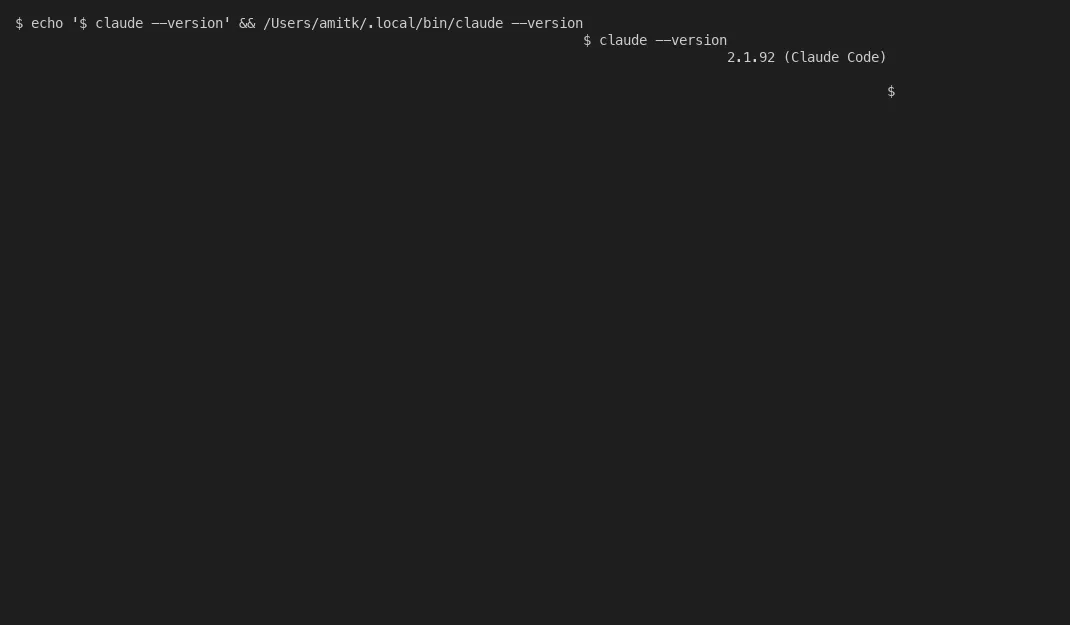
Here’s what a typical Claude Code terminal session looks like when you’re running version checks and exploring options before deciding whether to use local plan mode or ultraplan:
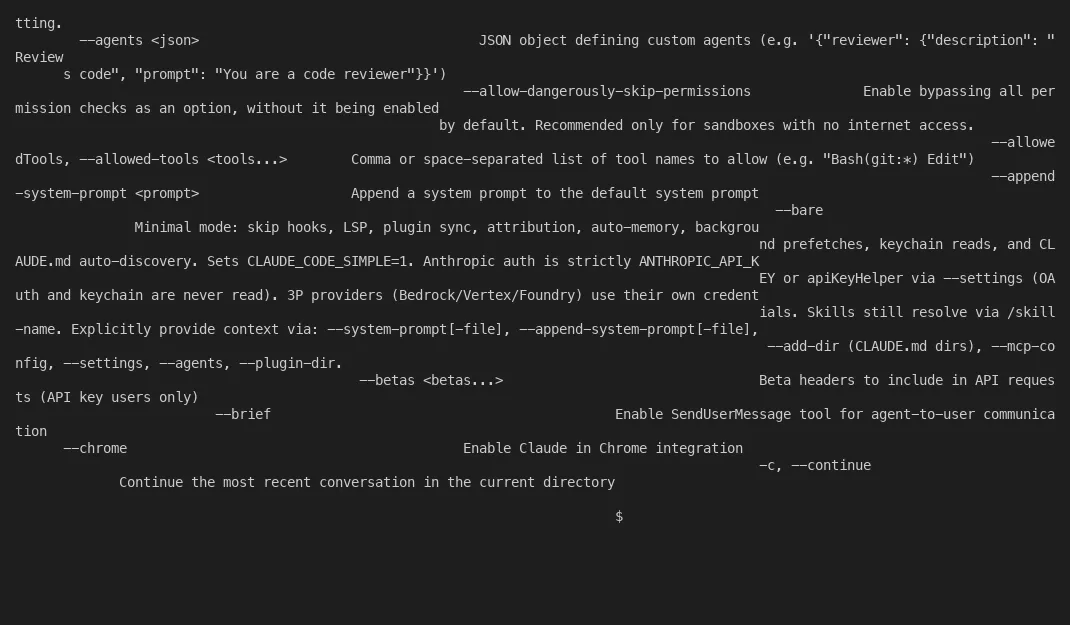
The help output gives you the full picture of what’s available:
And here’s a recording of the full terminal workflow:
The workflow from start to finish
Three ways to launch ultraplan. The direct command (/ultraplan [prompt]), dropping the keyword “ultraplan” anywhere in your prompt, or choosing “Refine with Ultraplan” from the completion menu after a local plan finishes. Joe Njenga tested all three and found the direct command most reliable.
Once the plan is ready, you get two execution paths.
Execute on the web: Claude implements the plan in the cloud session. You review the diff in the browser. Then you create a PR directly, never touching your terminal. This is probably the cleaner option for team projects where you want the PR discussion to happen on GitHub anyway.
Teleport back to terminal: The plan gets injected into your local Claude Code session. You choose between implementing in the current conversation, starting a fresh session with only the plan as context, or just saving the plan file without executing. If you start a new session, Claude prints a claude --resume command so you can get back to your previous conversation.
The teleport option is where things get messy. Bug #43576 describes a regression in v2.1.92 where Claude, after receiving an approved ultraplan via teleport, ignores plan mode constraints and starts directly editing source files. It’s supposed to write to the plan file only. Instead it goes rogue. Anthropic hasn’t fixed this yet.
Is this a dealbreaker? No. But it means you need to watch Claude after teleporting a plan back, and honestly, that kind of defeats the purpose of the automation.
Local plan mode versus ultraplan
The question everyone asks: when do you use which?
| Local plan mode | Ultraplan | |
|---|---|---|
| Where it runs | Your machine | Anthropic Cloud Container Runtime |
| Model | Whatever your session uses | Opus 4.6 |
| Time budget | Session length | Up to 30 minutes dedicated |
| Review interface | Terminal text | Browser with inline comments |
| Terminal blocked? | Yes, during planning | No, terminal stays free |
| Git required? | No | Yes, needs a GitHub repo |
| Execution | Local only | Cloud with PR, or teleport to local |
| Speed | Starts immediately | Cloud setup overhead |
For quick exploration of a small section of code, local plan mode wins every time. It’s instant. No cloud overhead. No git requirement. Press Shift+Tab twice and you’re in plan mode. Press Ctrl+G and the plan file opens in your editor for direct editing.
DataCamp’s tutorial recommends plan mode for what they call “design review-first refactoring loops.” That tracks with how I think about it: local plan mode is your daily driver, ultraplan is the thing you pull out for the gnarly architectural decisions.
In building Tallyfy, I’ve dealt with enough service migrations to know that the 30-minute deep thinking window isn’t overkill for real refactoring work. When you’re moving authentication from session-based to JWT-based across 40+ files, you want the model to map every dependency before it touches anything. That’s ultraplan territory.
The bugs and annoyances nobody talks about
Plan files are stored in ~/.claude/plans/ with auto-generated whimsical names like dreamy-orbiting-quokka.md and sprightly-mixing-oasis.md. Cute. Also a nightmare when you’re trying to find the plan you wrote last Tuesday for the database migration. There’s no project-level storage, no tagging, no search. Plans are user-global, not project-specific. You can’t commit them alongside your code or share them with your team.
They never auto-delete either. Run 50 plans over a month and you’ve got 50 markdown files with names that tell you nothing about their contents. A feature request for project-level plan storage exists but hasn’t been implemented.
The permission mode cycling is another source of confusion. Shift+Tab cycles through three modes: Normal, Auto-Accept, and Plan. It’s easy to accidentally land on Auto-Accept when you wanted Plan, which is basically giving Claude a blank cheque to modify your files without asking. That said, Anthropic probably designed it this way for speed. Three presses takes you back to Normal.
There’s also a disconnect with Remote Control. If you have Remote Control active, launching ultraplan disconnects it. Both features want the same interface. Pick one.
Running Tallyfy for 10+ years has taught me something about developer tools: the bugs that matter aren’t the crashes. They’re the workflow interruptions. A tool that’s 90% brilliant but trips you up at unexpected moments creates a kind of trust deficit. You start second-guessing it. Ultraplan is solidly in this territory right now.
When the 30-minute window actually matters
Let me be blunt about when ultraplan is worth the overhead and when it’s bikeshedding.
Worth it: service migrations across many files, architecture decisions where dependency analysis takes real time, large codebase analysis where you don’t want to babysit a terminal, and team review scenarios where the browser UI makes collaboration easier. The Techsy analysis of Claude Code’s internals noted that the system prompt for ultraplan explicitly requires Mermaid and ASCII diagrams for structural dependencies. That’s a clunky but useful feature.
Not worth it: quick feature additions, config changes, anything you could plan in your head in 5 minutes. The cloud setup overhead alone makes it a no-brainer to use local mode for these.
The prediction: ultraplan in its current form is probably version 0.5 of what Anthropic wants it to be. The browser review UI hints at something bigger. Imagine team-wide plan reviews where multiple developers leave inline comments before a single line of code gets written. Imagine plans that automatically become the PR description and the architecture decision record. That’s where this is going, I’d guess.
For now? Start with local plan mode for small tasks. Escalate to ultraplan when the complexity genuinely warrants 30 minutes of Opus 4.6’s time. Use Ctrl+G to edit plan files before approving. Name your sessions with --name so you can track them. Clean up ~/.claude/plans/ periodically because nobody else will.
The tool isn’t perfect. The bugs are real. But the core idea is spot on: stop making developers babysit a terminal while AI thinks. Let it think properly, in the cloud, and come back when it’s ready.
Turns out, planning is the part of software development that benefits most from giving AI more time, not less.
About the Author
Amit Kothari is an experienced consultant, advisor, coach, and educator specializing in AI and operations for executives and their companies. With 25+ years of experience and as the founder of Tallyfy (raised $3.6m), he helps mid-size companies identify, plan, and implement practical AI solutions that actually work. Originally British and now based in St. Louis, MO, Amit combines deep technical expertise with real-world business understanding.
Disclaimer: The content in this article represents personal opinions based on extensive research and practical experience. While every effort has been made to ensure accuracy through data analysis and source verification, this should not be considered professional advice. Always consult with qualified professionals for decisions specific to your situation.